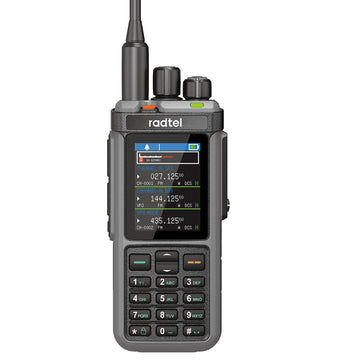


Radtel RT-A1 FRS Analog & Digital Two Way Radio with AI Noise Reduction Dual Noise Cancelling Walkie Talkie Voice Recording & Playback Long-Lasting Battery for Construction Site Bar Airport
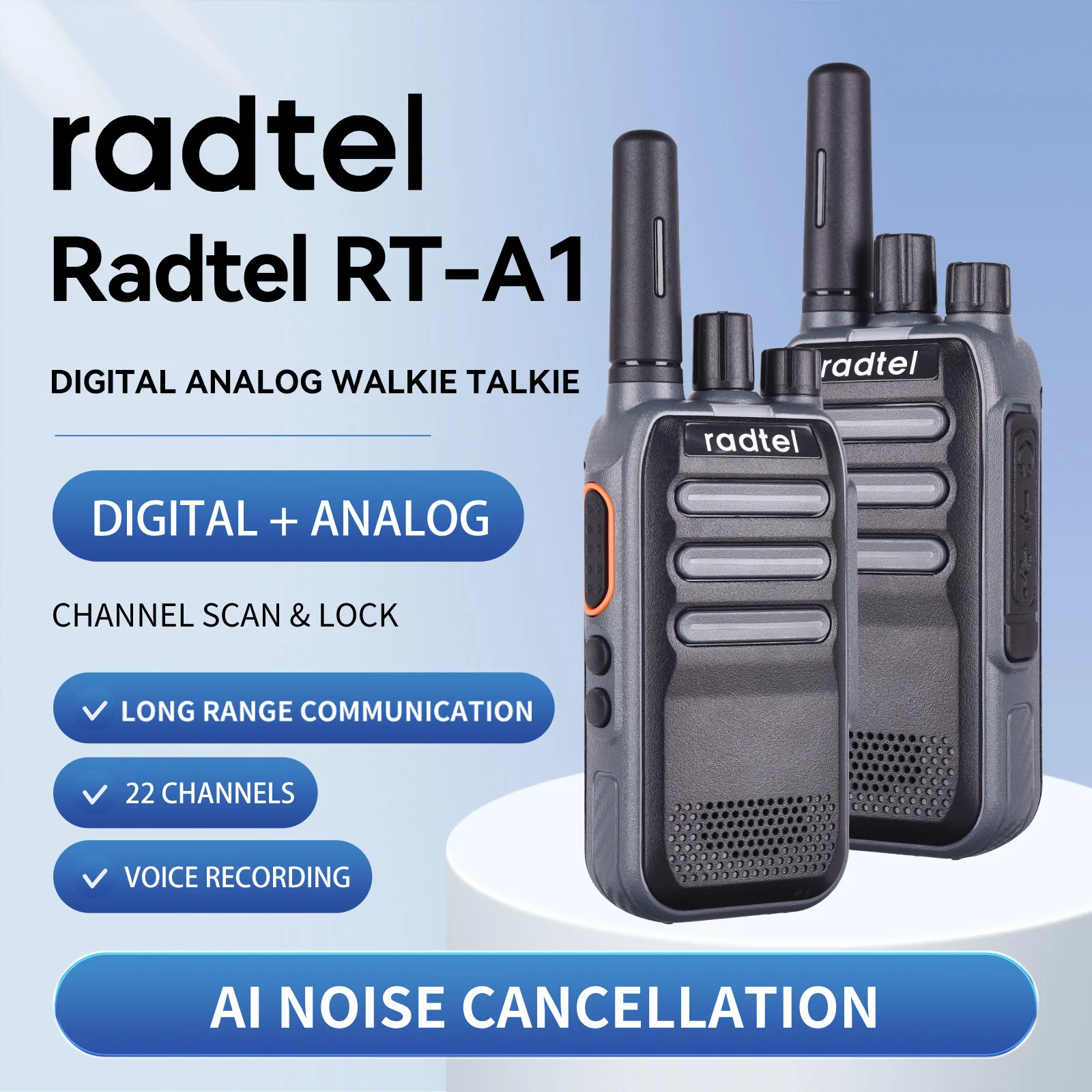
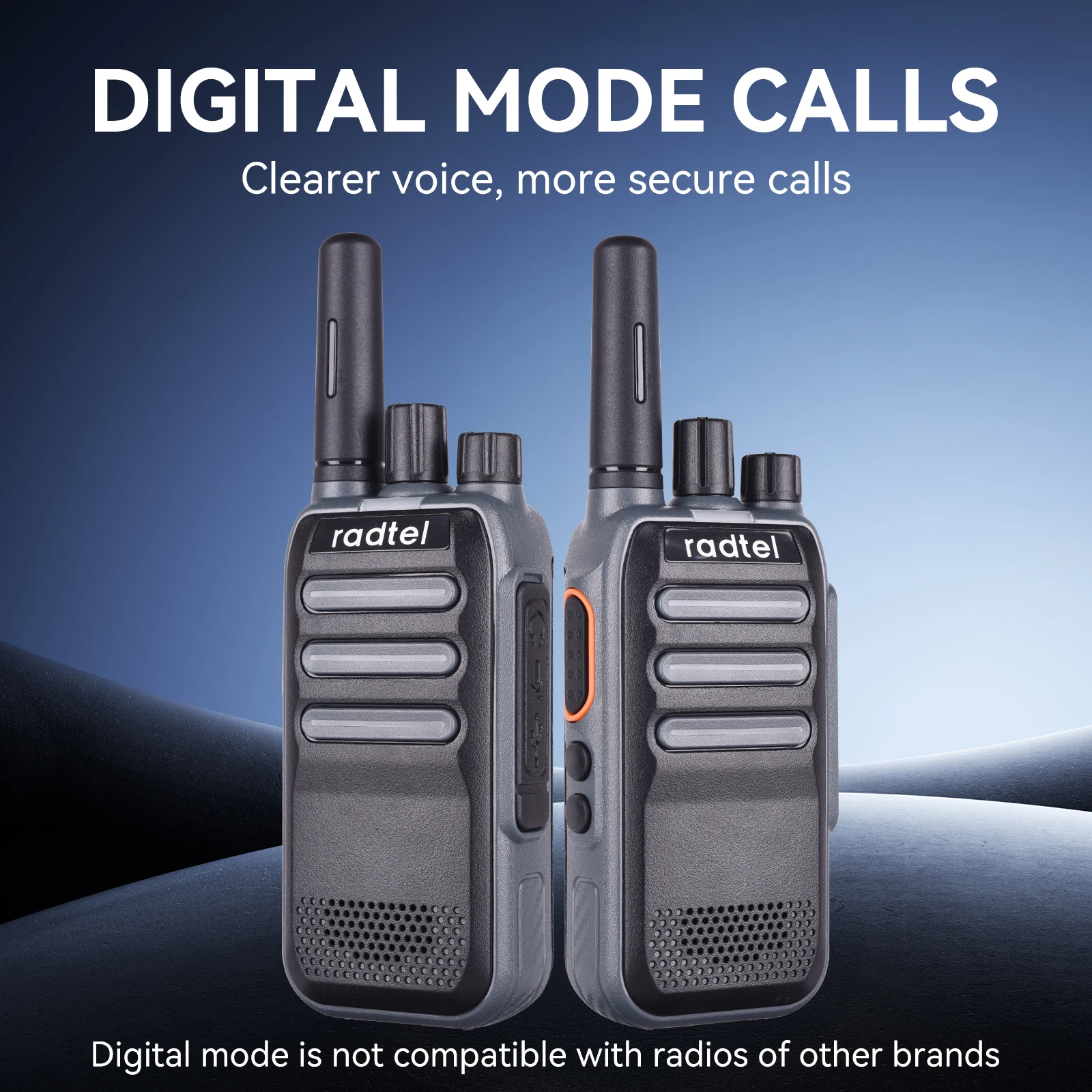
Radtel RT-A1 Analog & Digital Walkie Talkie with AI Noise Reduction, Voice Recording ( please note that the radio can't communicate with other digital radio or DMR radio!)
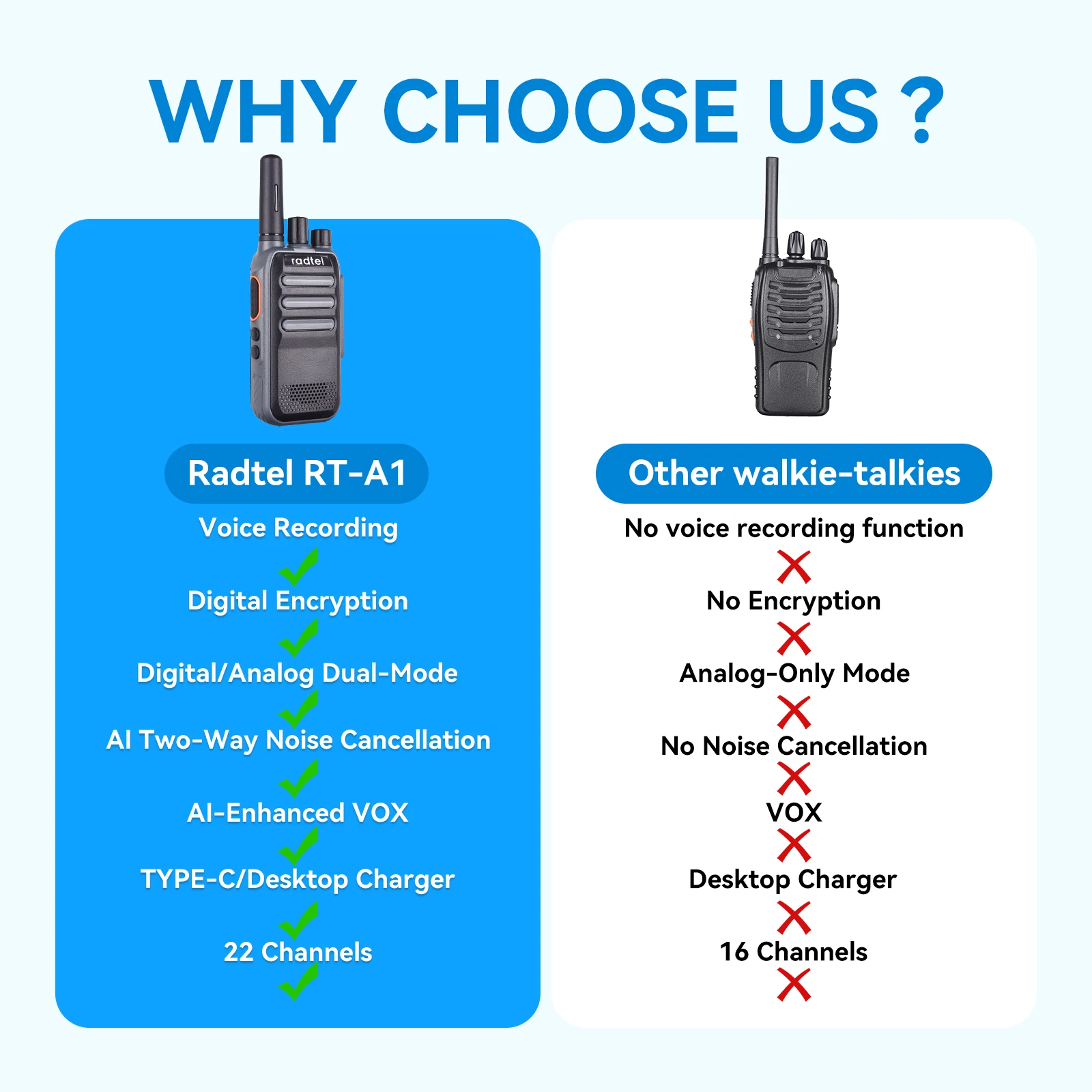

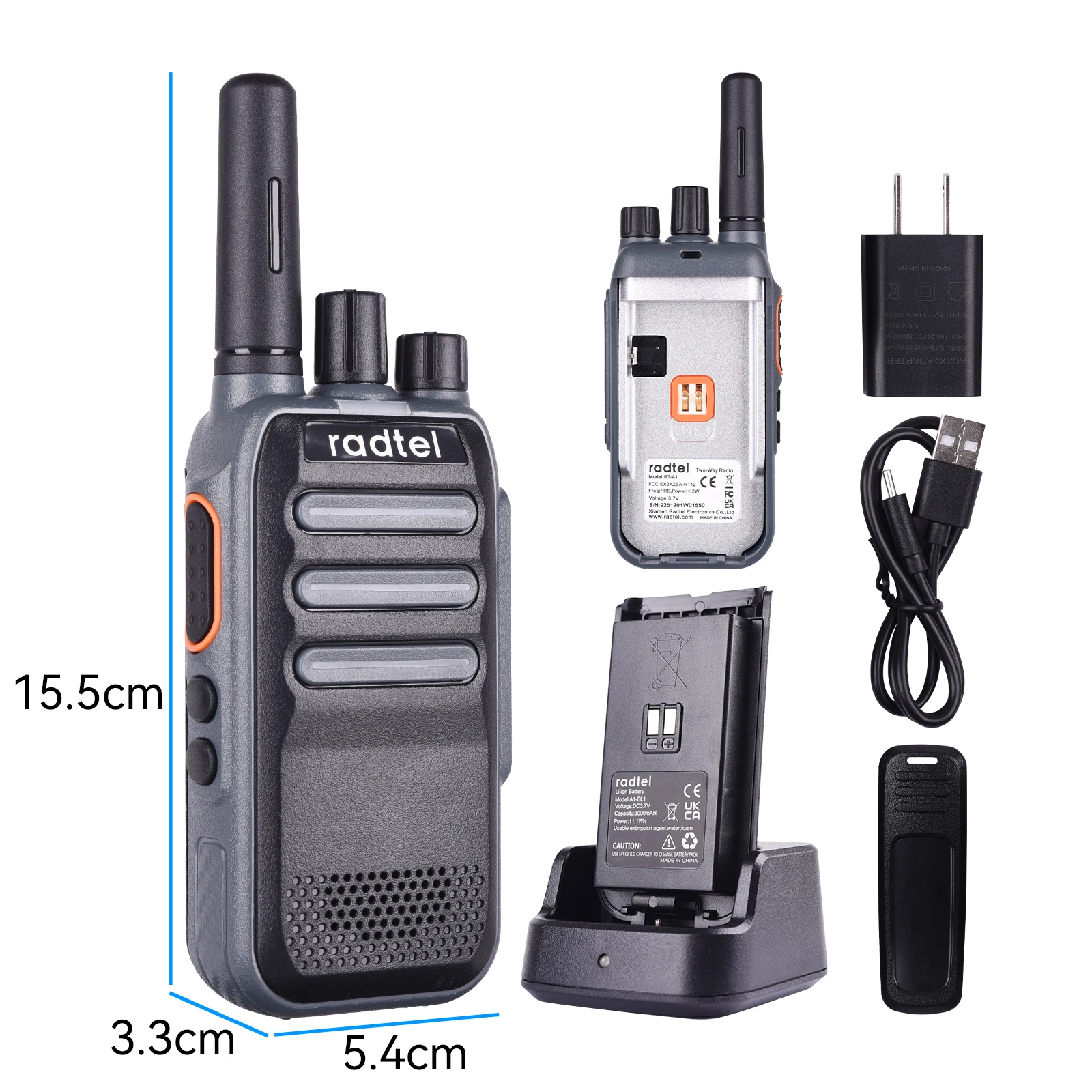
1.Tx/Rx LED indicator
The red light illuminates during Tx, and the green light illuminates during Rx.
2.Channel Switch
Turn clockwise to increase the channel value and counterclockwise to
decrease it. There are a total of channels.
3.POWER Switch/VOLUME Controller
Turn clockwise to power on the walkie-talkie. To power off, turn counterclock
wise until a click is heard. Adjust the volume by turning the controller.
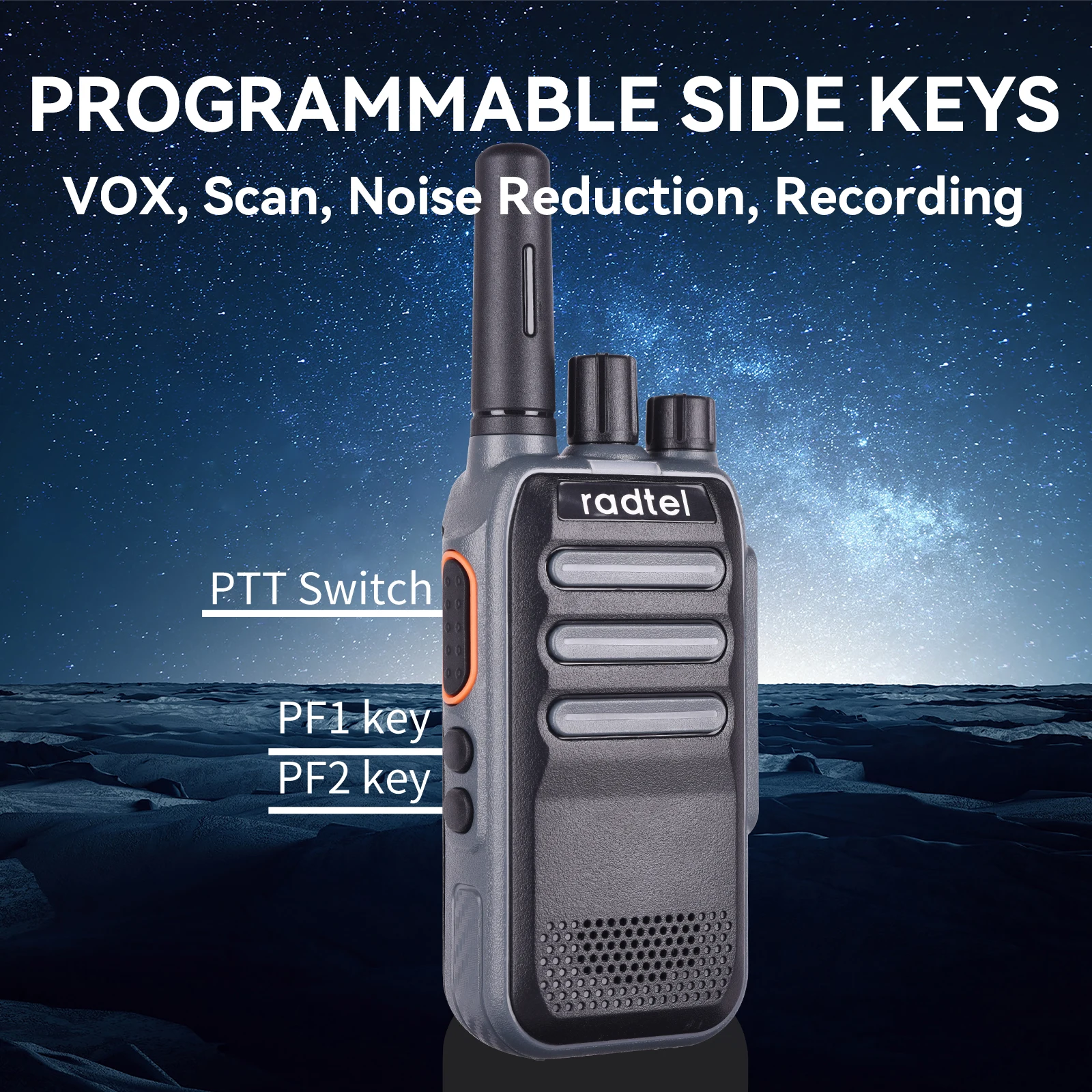
4.PTT Switch
Press PTT and speak into the microphone to call the other party. The red light
indicates transmission. If no transmit frequency is set for this channel, a beep
sound will be heard and the red light will illuminate. Release PTT to receive,
and if there is a signal, the green light will illuminate and the speaker will
activate.
5.Squelch Level
Adjust the squelch level to set when the walkie-talkie turns off and on upon
receiving signals of varying strengths. A lower squelch level allows more
background noise when turned on, resulting in potentially longer communica
tion distances but weaker anti-interference capability when activated. The
squelch level can be set via Customer Programming Software, with Level 3
being the default.
6.Transmit Timeout
The transmit timeout feature prevents a single walkie-talkie from occupying a
channel for too long and avoids damage from prolonged transmission. If
continuous transmission exceeds the limit set by Customer Programming
Software (15S to 180S), the walkie-talkie stops transmitting and an alarm
sounds. To stop the alarm, release the PTT switch, and the walkie-talkie
returns to receive mode.
7.Battery Saver Function
Set to enter battery saver mode, which can be enabled/disabled via Customer
Programming Software.
Note: There are five sleep ratio options settable in the Customer Programming
Software.
8.Monitor
Define Side Key 1 or Side Key 2 long/short press as the monitor function via
Customer Programming Software. After setting, long/short pressing the side
key switches the walkie-talkie's monitor function on/off, with Side Key 1 short
press defaulting to enabling monitoring.
9.Scan
Define Side Key 1 or Side Key 2 long/short press as the scan function via
Customer Programming Software. Three scan types are available: SE, CO, TO,
settable via Customer Programming Software;
10.Channel Lock
Define Side Key 1 or Side Key 2 long/short press as the channel lock function
via Customer Programming Software. Locking the channel prevents accidental
changes;
11.Roger Beep
Enable/disable the Roger Beep via Customer Programming Software,
defaulted to off.
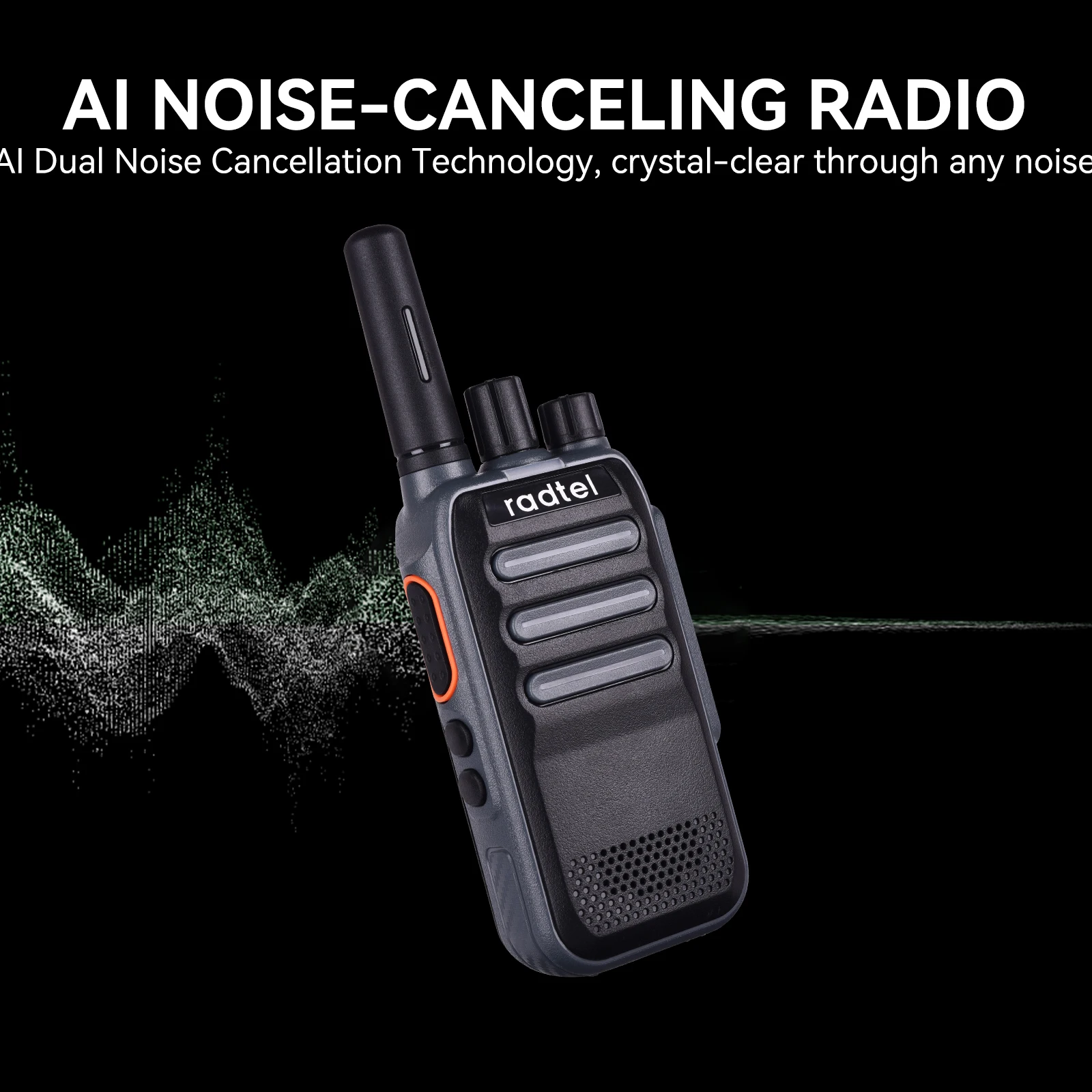
12.AI Dual-direction Noise Reduction
Noise reduction has 10 levels settable via Customer Programming Software.
Define Side Key 1 or Side Key 2 long/short press as noise reduction control,
defaulted to Side Key 2 short press to enable, with levels 1-10 adjustable.
13. Language Selection
Define Side Key 1 or Side Key 2 long/short press as the language selection
function via Customer Programming Software. Six languages are manually
switchable: English, French, German, Italian, Spanish, and Russian, with Side
Key 1 long press (2S) defaulting to enable language selection;
14.Voice Operated Transmit(VOX)
VOX allows transmission without pressing the PTT button, initiating with
speech and stopping automatically when speaking ceases. Customizable via
Customer Programming Software to Side Key long/short press to enable,
defaulted to off;
Note: VOX levels are settable via Customer Programming Software with 9
levels and delay times adjustable between 0.5S and 3S.
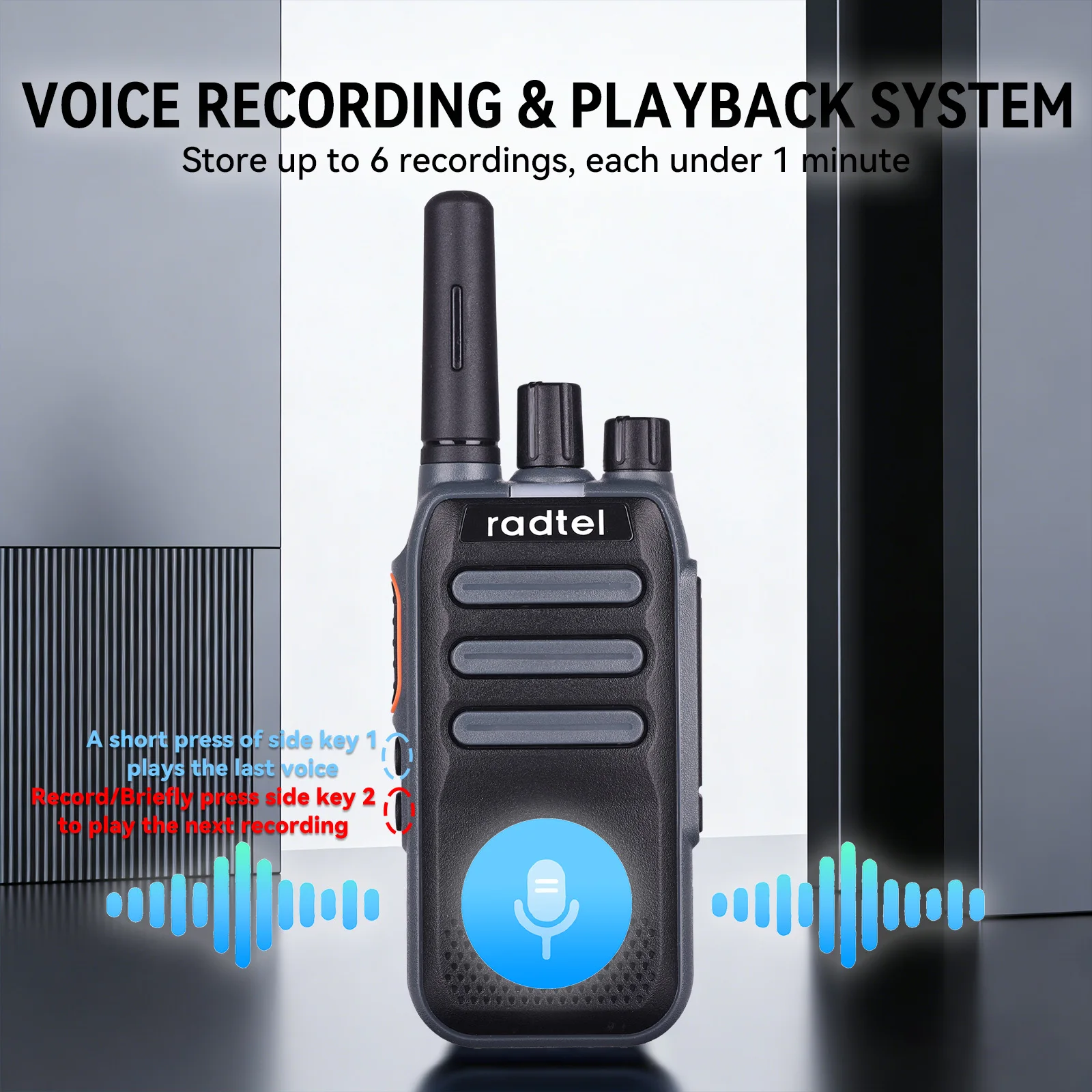
15.Recording and Playback
Each recording is no longer than 1 minute, with a maximum of 6 recordings.
Operation: Define Side Key 1 or Side Key 2 long press as the recording and
playback function via Customer Programming Software. Once in playback
mode, short pressing Side Key 1 plays the previous recording, and short
pressing Side Key 2 plays the next.
16.Emergency Alarm
Define Side Key 1 or Side Key 2 long/short press as the emergency alarm
function via Customer Programming Software. After setting, long pressing (2S)
Side Key 2 activates emergency alarm mode, exitable by pressing PTT, with
Side Key 2 long press (2S) defaulting to enable;
17.Battery Level Announcement
Define Side Key 1 or Side Key 2 long/short press as the battery level
announcement function via Customer Programming Software, announcing
levels from 0% to 100% with 1% accuracy
18.One-key Pairing/ Wireless Pairing
Press and hold side button 2 while powering on under channel 1/2/3 to enter
One-key Pairing/PAIRING SEDN/PAIRING ACCEPT status respectively.
a) PAIRING ACCEPT,the device enters data reception mode with the green
light flashing, disabling all other operations. During data reception, the green
light remains steady,
b) PAIRING SEND,the device enters data transmission mode with the
indicator light displaying red, disabling all other operations. Upon completion,
the walkie-talkie automatically restarts.
19.CTCSS/DCS
This product supports 260 sub-tone codes, programmable with 50 analog
sub-tone codes and 105*2 digital sub-tone codes (N-phase and I-phase) via
programming software
20. Digital Mode and Analog Mode Selection:
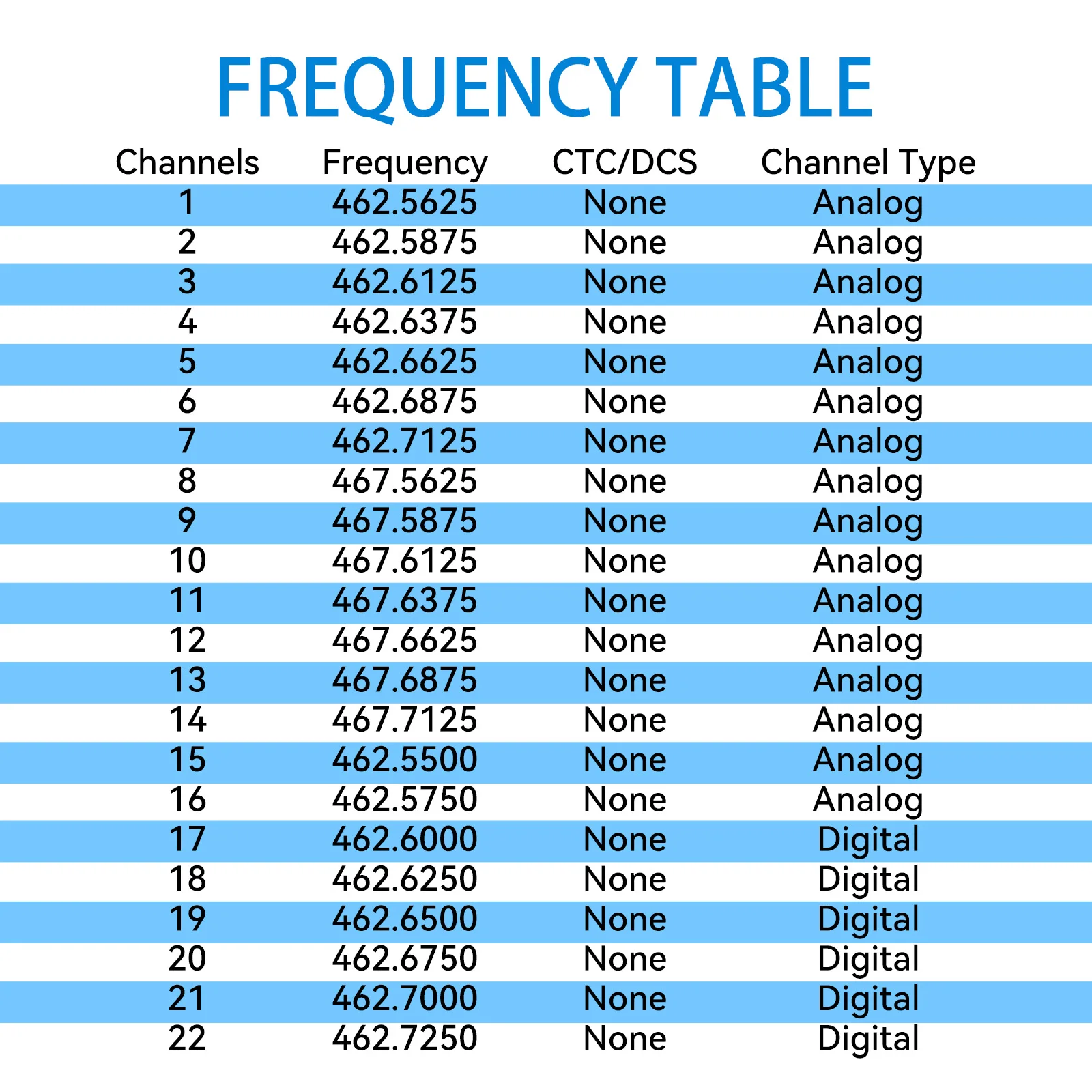
This device supports both digital and analog modes. The function can be configured through the PC programming software. Specifically, you can select either “Analog Channel” or “Digital Channel” for the corresponding channel under the “Channel Configuration” column.
20. Digital Call Mode SettingsPrivate Call:
This function can be configured through the PC programming software. Select Private Call in the call type field and enter the desired call ID. The valid ID range for private calls is 0–8388607.Group Call:
This function can be configured through the PC programming software. Select Group Call in the call type field and enter the desired call ID. The valid ID range for group calls is 8388608–16777214.
Group receiving supports 8 lists, with 8 group IDs per list. A single channel can receive up to 8 group IDs, within the range 8388608–16777214.All Call:
This function can be configured through the PC programming software. Simply select All Call in the call type field.
Technical spec
Frequency Range: 400-470Mhz
Output power: 2w/0.5w
Channel: 22 FRS
Voltage 3.7V DC
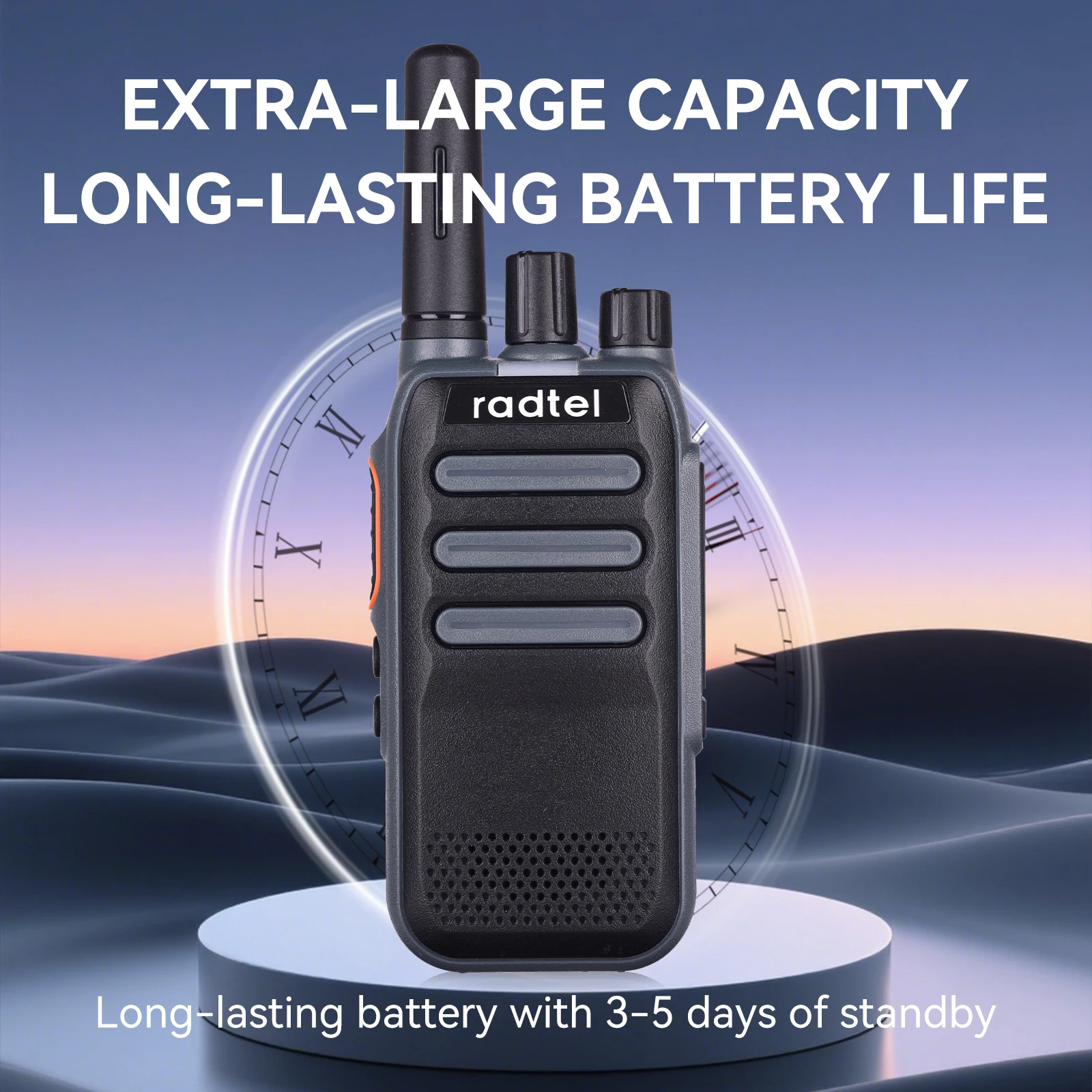
Standby time: More than 30 hrs
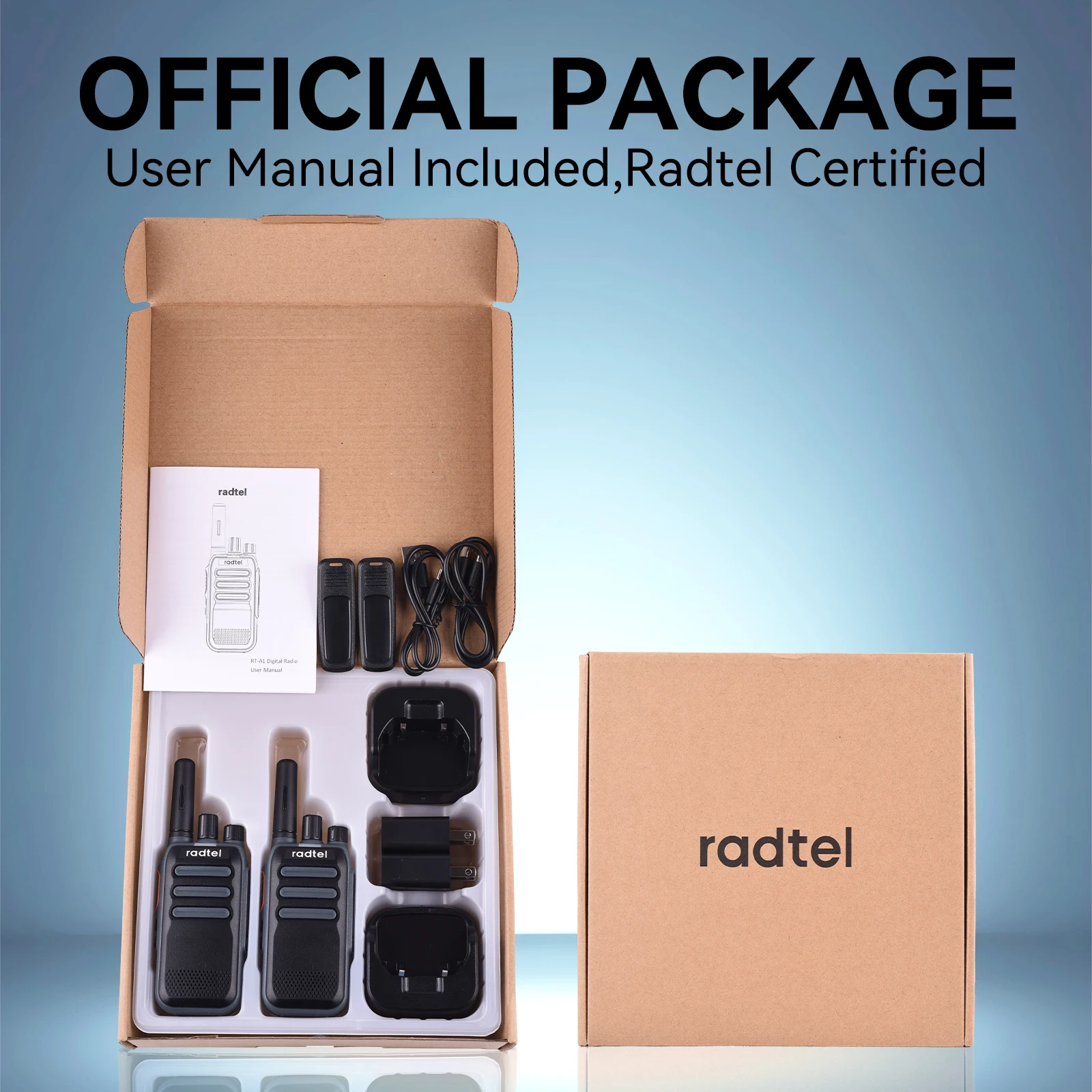
Package:
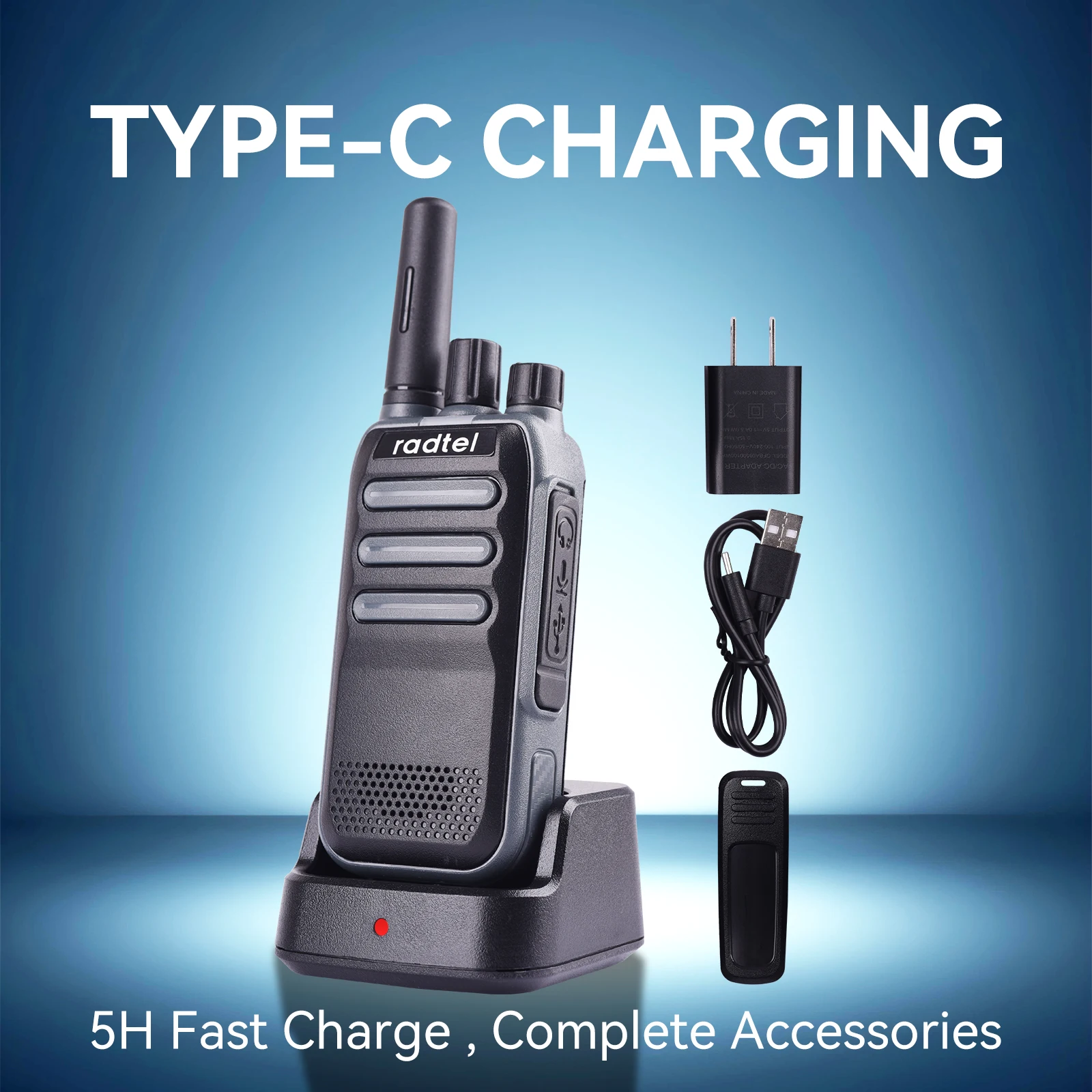
2x RT-A1 FRS radios
2x 3000mAh battery
2x Desktop charger
2x US type AC adapter
2x USB-C Charger cable
2x Belt clip
1x ENG user manual
SHIPPING
We ship your orders by registered post included VAT To USA/European and most countries, If there is stock in local warehouse, the delivery time is 3-7 days. if ship from China, delivery time to US: 8-15 Days, Canada 10-15 days, South America 12-35 days, European 5-16 days. AU/NZ 8-17 Days, Asia 5-15 days, Other country 12-45 days. If your country have not shipping option, just send your order inquiry to us by email info@radtel.com
All orders shipped will be provided with tracking numbers, You may track it at www.17track.net .
RETURNS POLICY
We have a 30-day return policy, which means you have 30 days after receiving your item to request a return. Buyer need to pay the return shipping cost.
To be eligible for a return, your item must be in the same condition that you received it, unworn or unused, with tags, and in its original packaging. You’ll also need the receipt or proof of purchase.
To start a return, you can contact us at support@radtel.com, If your return is accepted, you may request to send back to local warehouse in your cost. Items sent back to us without first requesting a return will not be accepted.
Damages and issues Please inspect your order upon reception and contact us immediately if the item is defective, damaged or if you receive the wrong item, so that we can evaluate the issue and make it right.
Exceptions / non-returnable items Certain types of items cannot be returned, like perishable goods (such as food, flowers, or plants), custom products (such as special orders or personalized items), and personal care goods (such as beauty products). We also do not accept returns for hazardous materials, flammable liquids, or gases. Please get in touch if you have questions or concerns about your specific item.
Unfortunately, we cannot accept returns on sale items or gift cards.
Exchanges The fastest way to ensure you get what you want is to return the item you have, and once the return is accepted, make a separate purchase for the new item.
Refunds We will notify you once we’ve received and inspected your return, and let you know if the refund was approved or not. If approved, you’ll be automatically refunded on your original payment method. Please remember it can take some time for your bank or credit card company to process and post the refund too.
description of this products.
You may tracking order in www.17track.net, if there is no tracking information, just send us a email info@radtel.com and we will send you tracking information