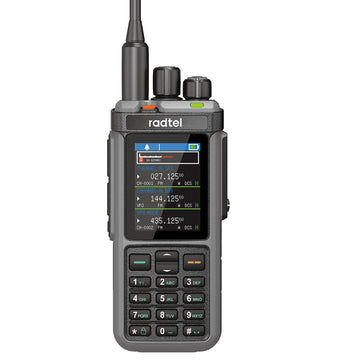


Radtel RT-A1 FRS Analog & Digital Two Way Radio with AI Noise Reduction Dual Noise Cancelling Walkie Talkie Voice Recording & Playback Long-Lasting Battery for Construction Site Bar Airport
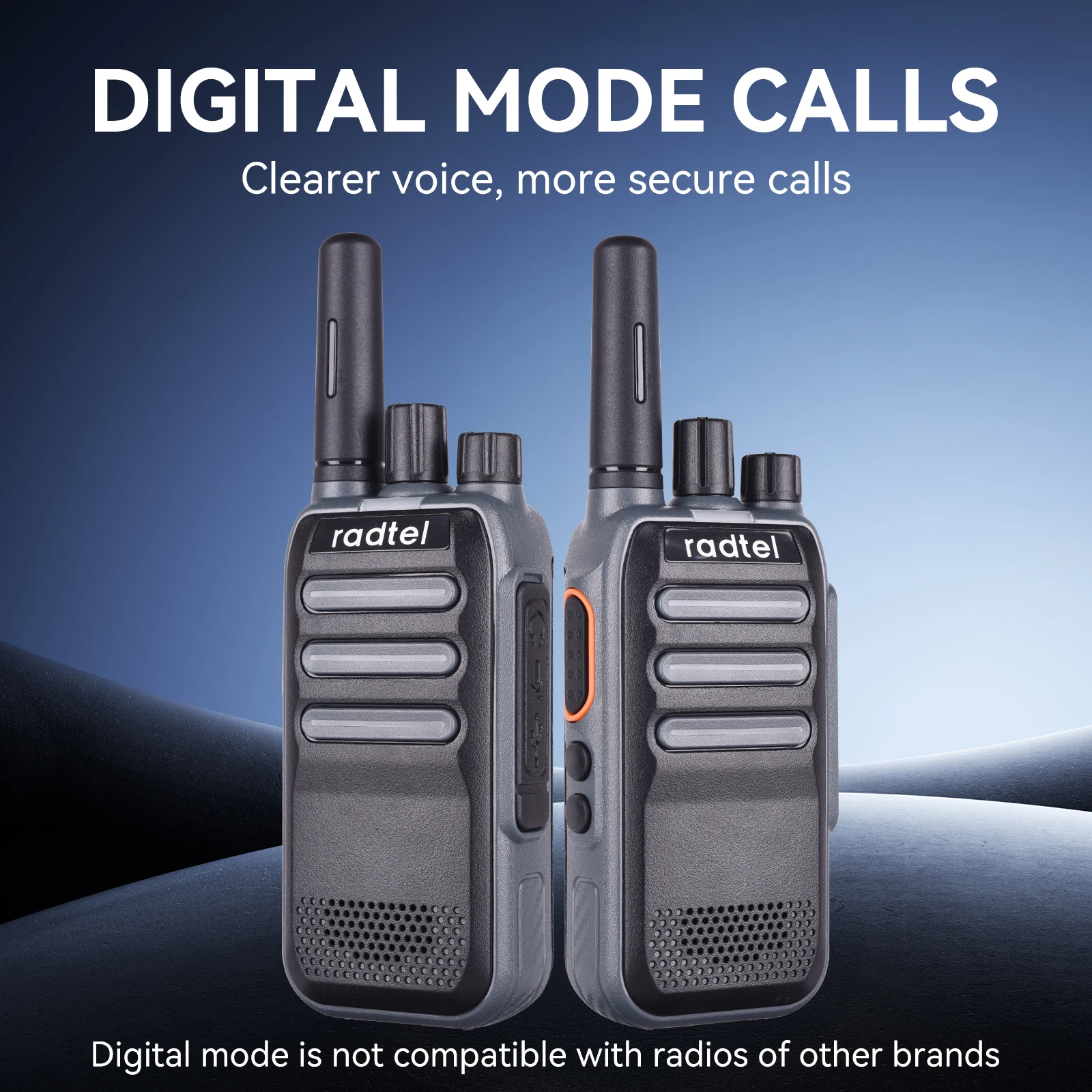
Radtel RT-A1 Analog & Digital Walkie Talkie with AI Noise Reduction, Voice Recording ( please note that the radio can't communicate with other digital radio or DMR radio!)
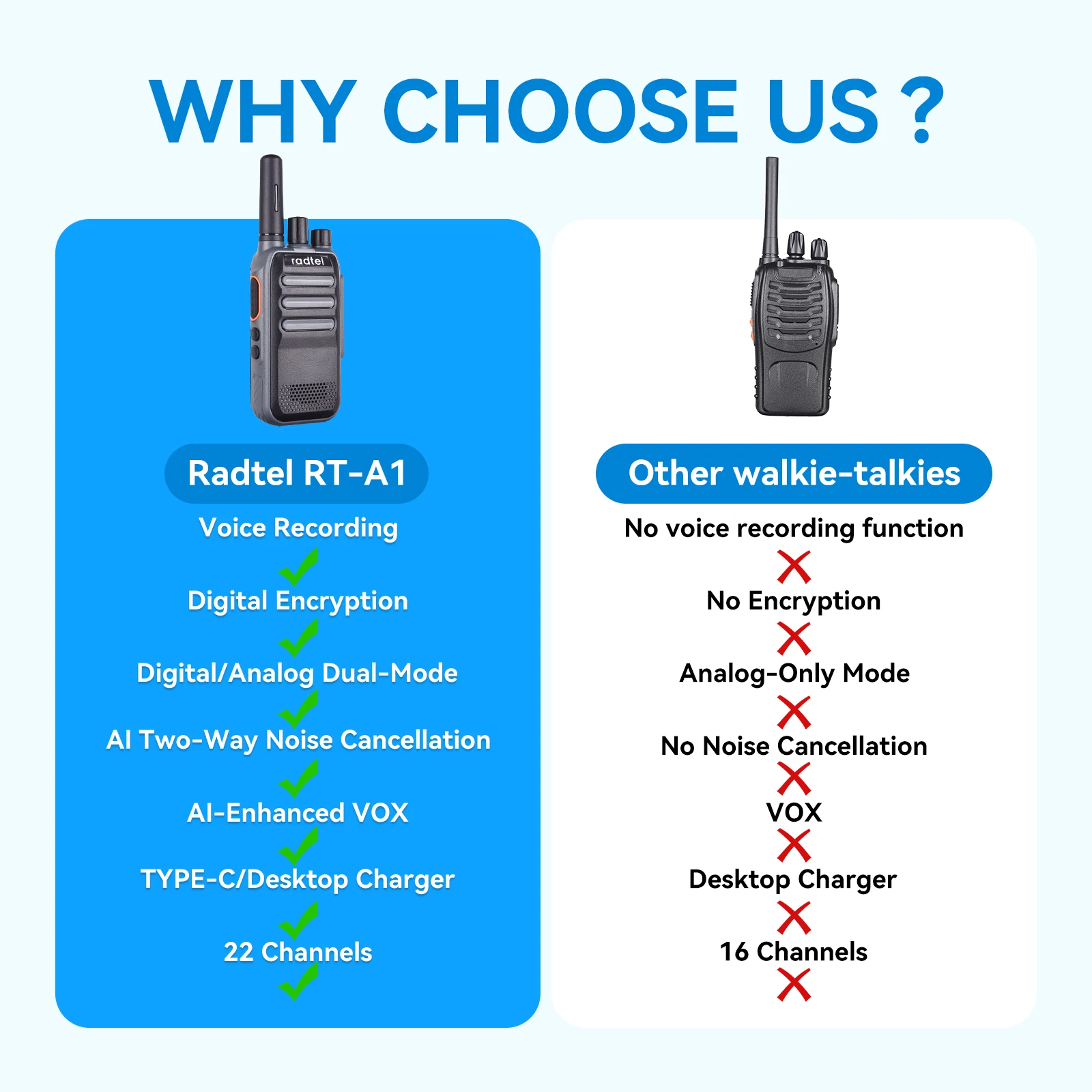
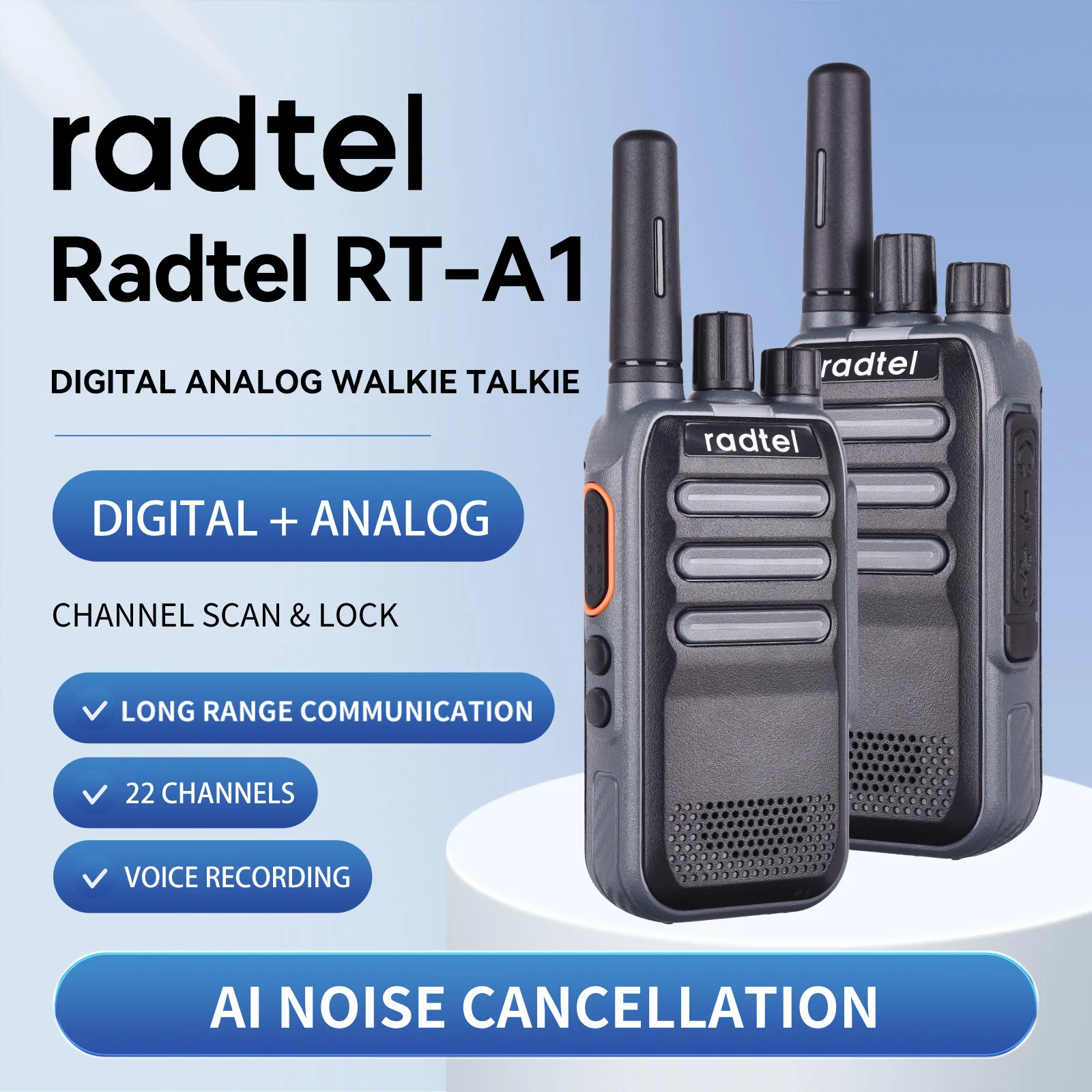
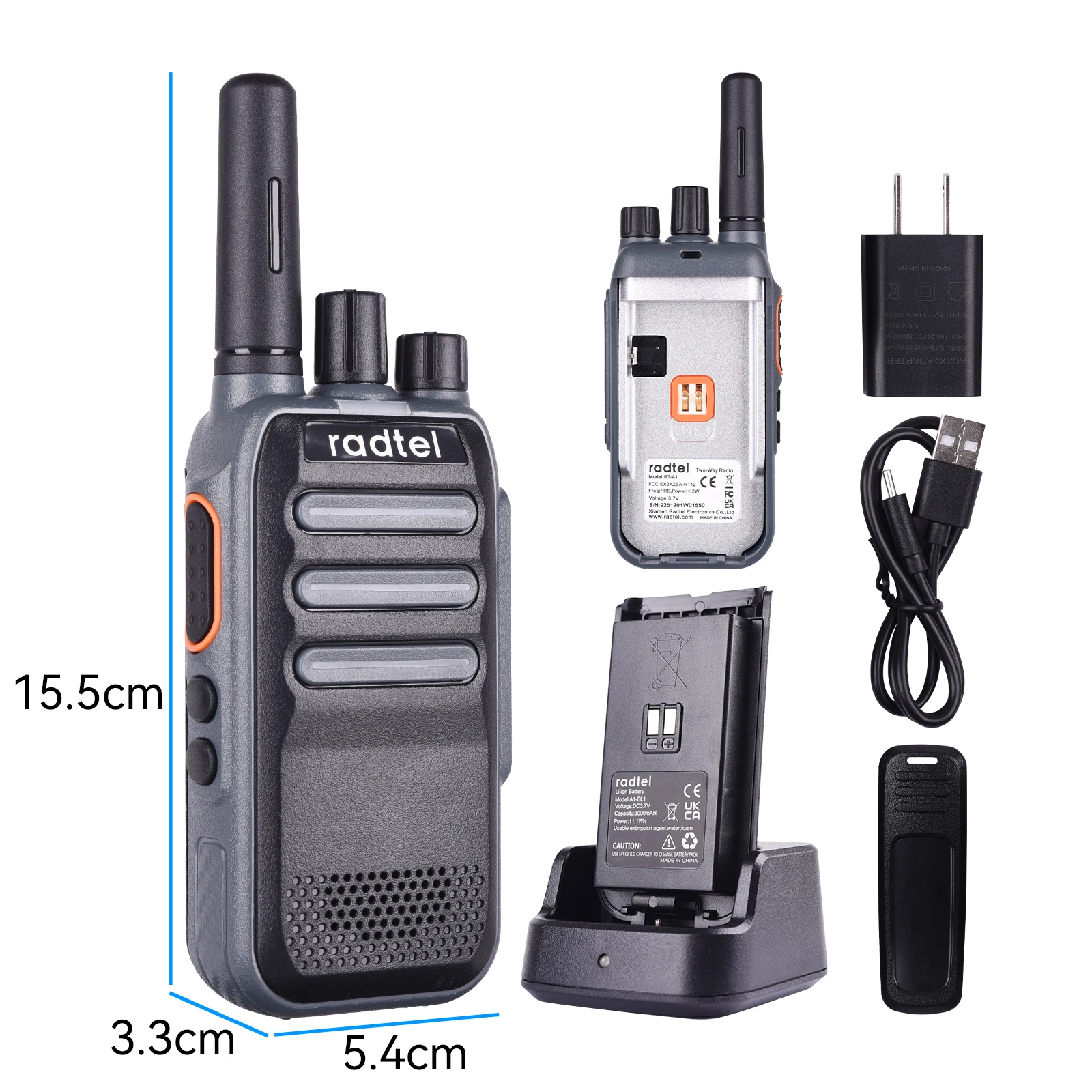
1.Tx/Rx LED indicator
The red light illuminates during Tx, and the green light illuminates during Rx.
2.Channel Switch
Turn clockwise to increase the channel value and counterclockwise to
decrease it. There are a total of channels.
3.POWER Switch/VOLUME Controller
Turn clockwise to power on the walkie-talkie. To power off, turn counterclock
wise until a click is heard. Adjust the volume by turning the controller.
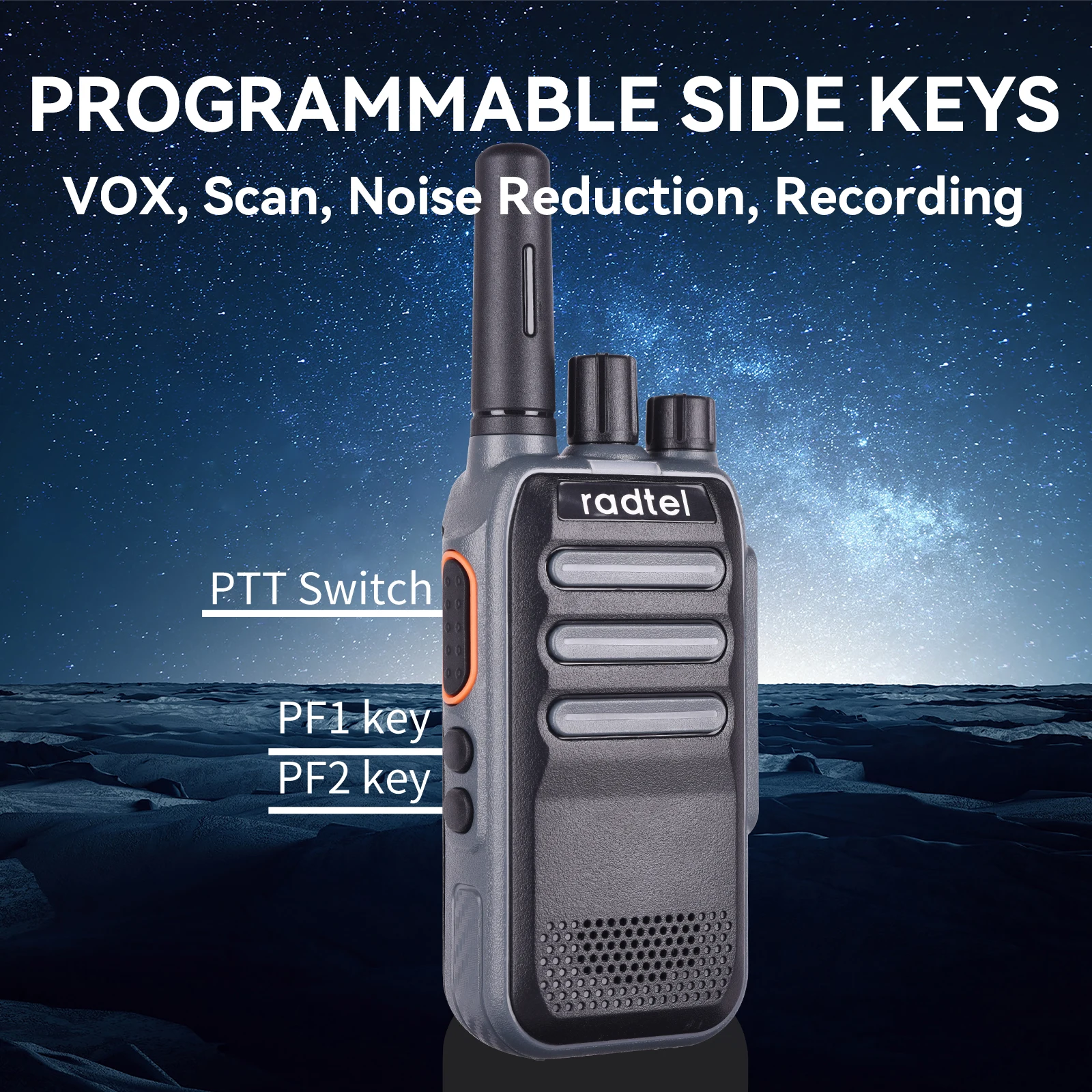
4.PTT Switch
Press PTT and speak into the microphone to call the other party. The red light
indicates transmission. If no transmit frequency is set for this channel, a beep
sound will be heard and the red light will illuminate. Release PTT to receive,
and if there is a signal, the green light will illuminate and the speaker will
activate.
5.Squelch Level
Adjust the squelch level to set when the walkie-talkie turns off and on upon
receiving signals of varying strengths. A lower squelch level allows more
background noise when turned on, resulting in potentially longer communica
tion distances but weaker anti-interference capability when activated. The
squelch level can be set via Customer Programming Software, with Level 3
being the default.
6.Transmit Timeout
The transmit timeout feature prevents a single walkie-talkie from occupying a
channel for too long and avoids damage from prolonged transmission. If
continuous transmission exceeds the limit set by Customer Programming
Software (15S to 180S), the walkie-talkie stops transmitting and an alarm
sounds. To stop the alarm, release the PTT switch, and the walkie-talkie
returns to receive mode.
7.Battery Saver Function
Set to enter battery saver mode, which can be enabled/disabled via Customer
Programming Software.
Note: There are five sleep ratio options settable in the Customer Programming
Software.
8.Monitor
Define Side Key 1 or Side Key 2 long/short press as the monitor function via
Customer Programming Software. After setting, long/short pressing the side
key switches the walkie-talkie's monitor function on/off, with Side Key 1 short
press defaulting to enabling monitoring.
9.Scan
Define Side Key 1 or Side Key 2 long/short press as the scan function via
Customer Programming Software. Three scan types are available: SE, CO, TO,
settable via Customer Programming Software;
10.Channel Lock
Define Side Key 1 or Side Key 2 long/short press as the channel lock function
via Customer Programming Software. Locking the channel prevents accidental
changes;
11.Roger Beep
Enable/disable the Roger Beep via Customer Programming Software,
defaulted to off.
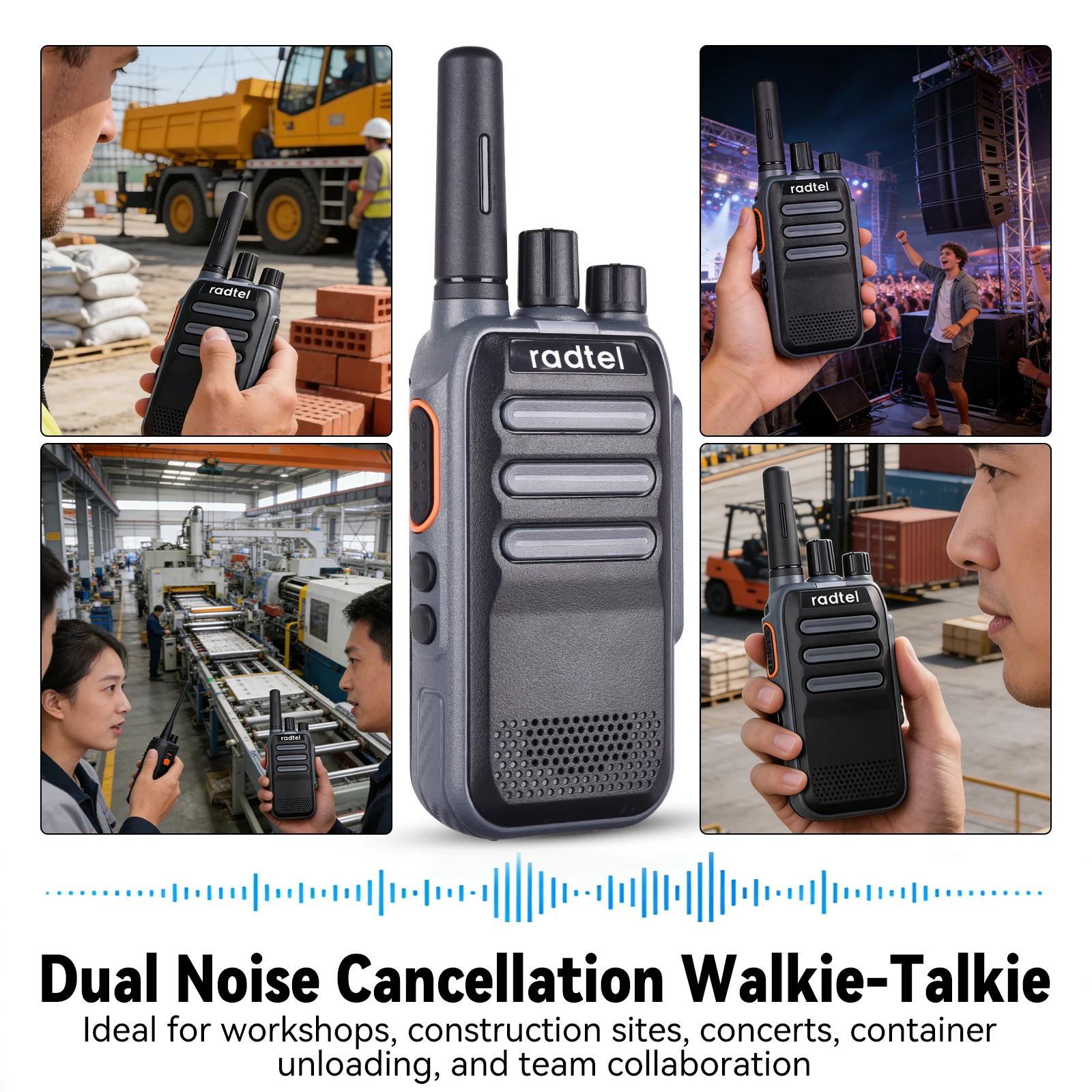
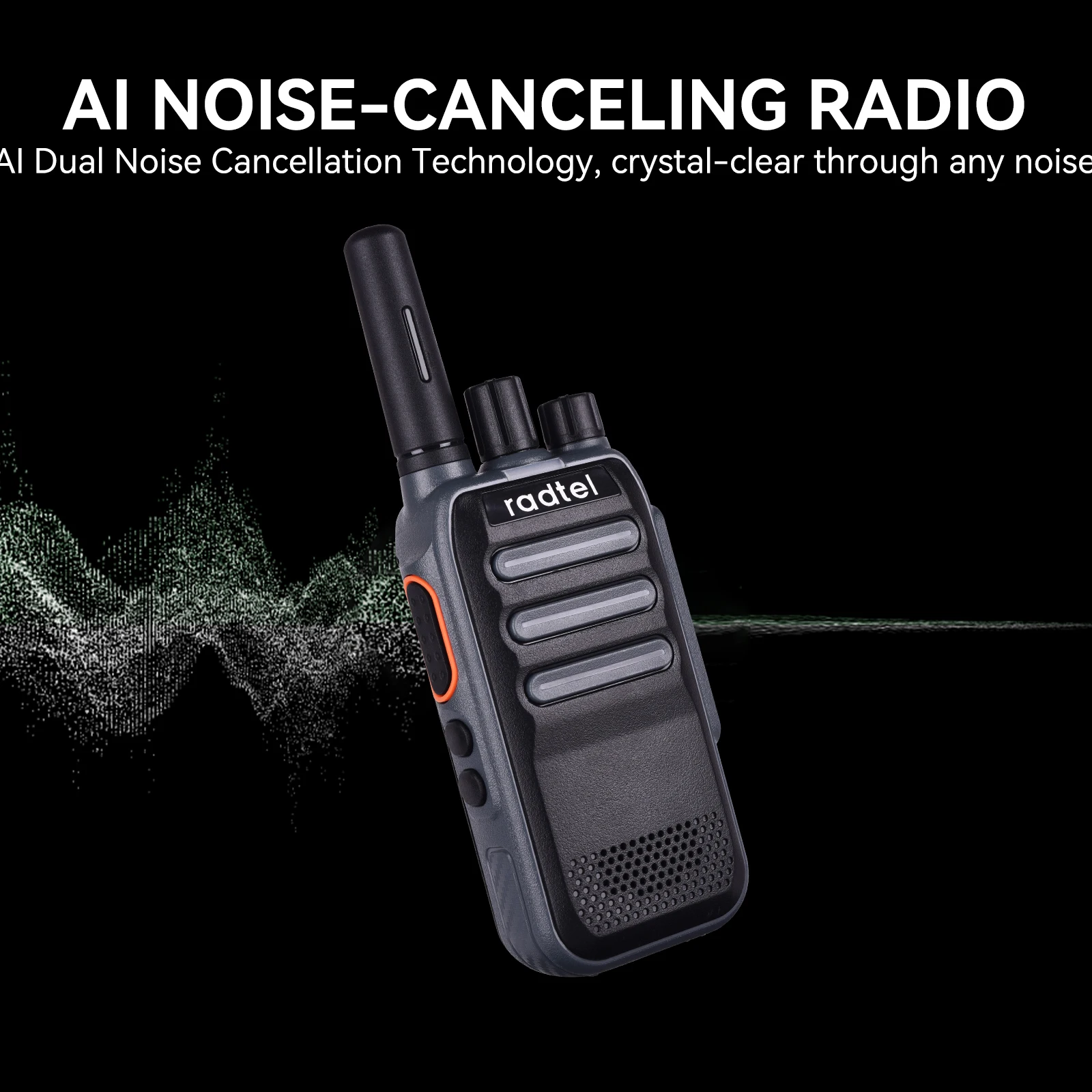
12.AI Dual-direction Noise Reduction
Noise reduction has 10 levels settable via Customer Programming Software.
Define Side Key 1 or Side Key 2 long/short press as noise reduction control,
defaulted to Side Key 2 short press to enable, with levels 1-10 adjustable.
13. Language Selection
Define Side Key 1 or Side Key 2 long/short press as the language selection
function via Customer Programming Software. Six languages are manually
switchable: English, French, German, Italian, Spanish, and Russian, with Side
Key 1 long press (2S) defaulting to enable language selection;
14.Voice Operated Transmit(VOX)
VOX allows transmission without pressing the PTT button, initiating with
speech and stopping automatically when speaking ceases. Customizable via
Customer Programming Software to Side Key long/short press to enable,
defaulted to off;
Note: VOX levels are settable via Customer Programming Software with 9
levels and delay times adjustable between 0.5S and 3S.
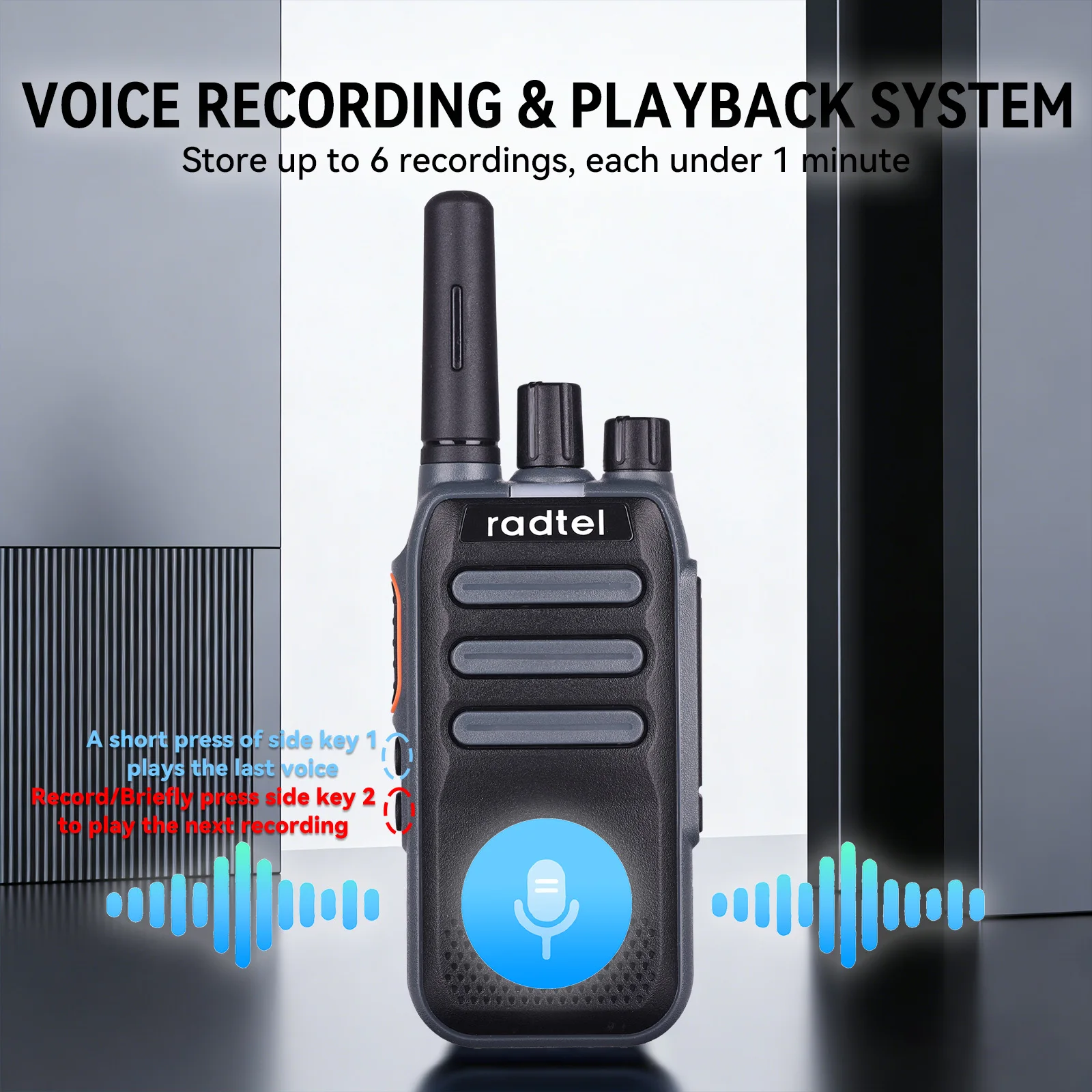
15.Recording and Playback
Each recording is no longer than 1 minute, with a maximum of 6 recordings.
Operation: Define Side Key 1 or Side Key 2 long press as the recording and
playback function via Customer Programming Software. Once in playback
mode, short pressing Side Key 1 plays the previous recording, and short
pressing Side Key 2 plays the next.
16.Emergency Alarm
Define Side Key 1 or Side Key 2 long/short press as the emergency alarm
function via Customer Programming Software. After setting, long pressing (2S)
Side Key 2 activates emergency alarm mode, exitable by pressing PTT, with
Side Key 2 long press (2S) defaulting to enable;
17.Battery Level Announcement
Define Side Key 1 or Side Key 2 long/short press as the battery level
announcement function via Customer Programming Software, announcing
levels from 0% to 100% with 1% accuracy
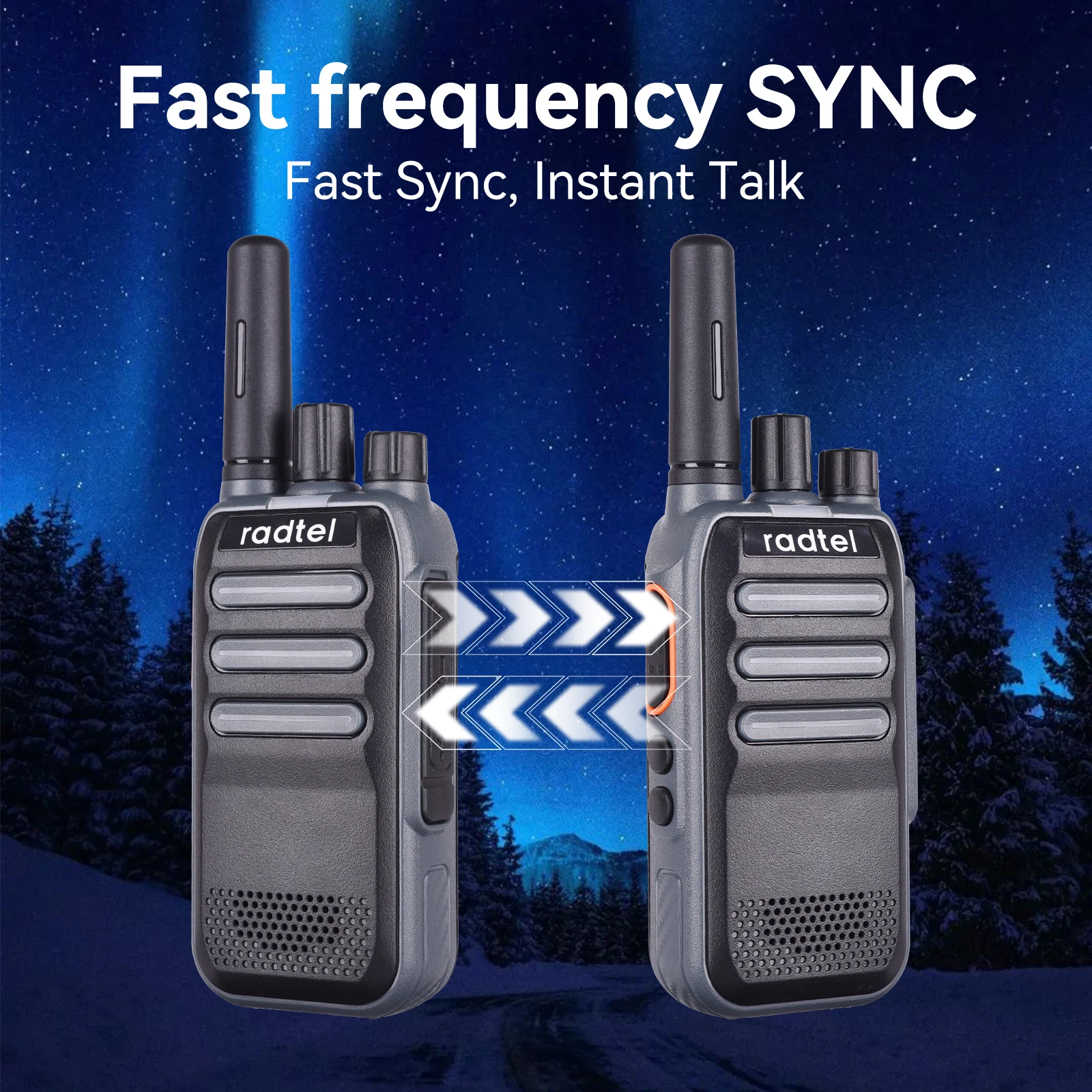
18.One-key Pairing/ Wireless Pairing
Press and hold side button 2 while powering on under channel 1/2/3 to enter
One-key Pairing/PAIRING SEDN/PAIRING ACCEPT status respectively.
a) PAIRING ACCEPT,the device enters data reception mode with the green
light flashing, disabling all other operations. During data reception, the green
light remains steady,
b) PAIRING SEND,the device enters data transmission mode with the
indicator light displaying red, disabling all other operations. Upon completion,
the walkie-talkie automatically restarts.
19.CTCSS/DCS
This product supports 260 sub-tone codes, programmable with 50 analog
sub-tone codes and 105*2 digital sub-tone codes (N-phase and I-phase) via
programming software
20. Digital Mode and Analog Mode Selection:
This device supports both digital and analog modes. The function can be configured through the PC programming software. Specifically, you can select either “Analog Channel” or “Digital Channel” for the corresponding channel under the “Channel Configuration” column.
20. Digital Call Mode SettingsPrivate Call:
This function can be configured through the PC programming software. Select Private Call in the call type field and enter the desired call ID. The valid ID range for private calls is 0–8388607.Group Call:
This function can be configured through the PC programming software. Select Group Call in the call type field and enter the desired call ID. The valid ID range for group calls is 8388608–16777214.
Group receiving supports 8 lists, with 8 group IDs per list. A single channel can receive up to 8 group IDs, within the range 8388608–16777214.All Call:
This function can be configured through the PC programming software. Simply select All Call in the call type field.
Technical spec
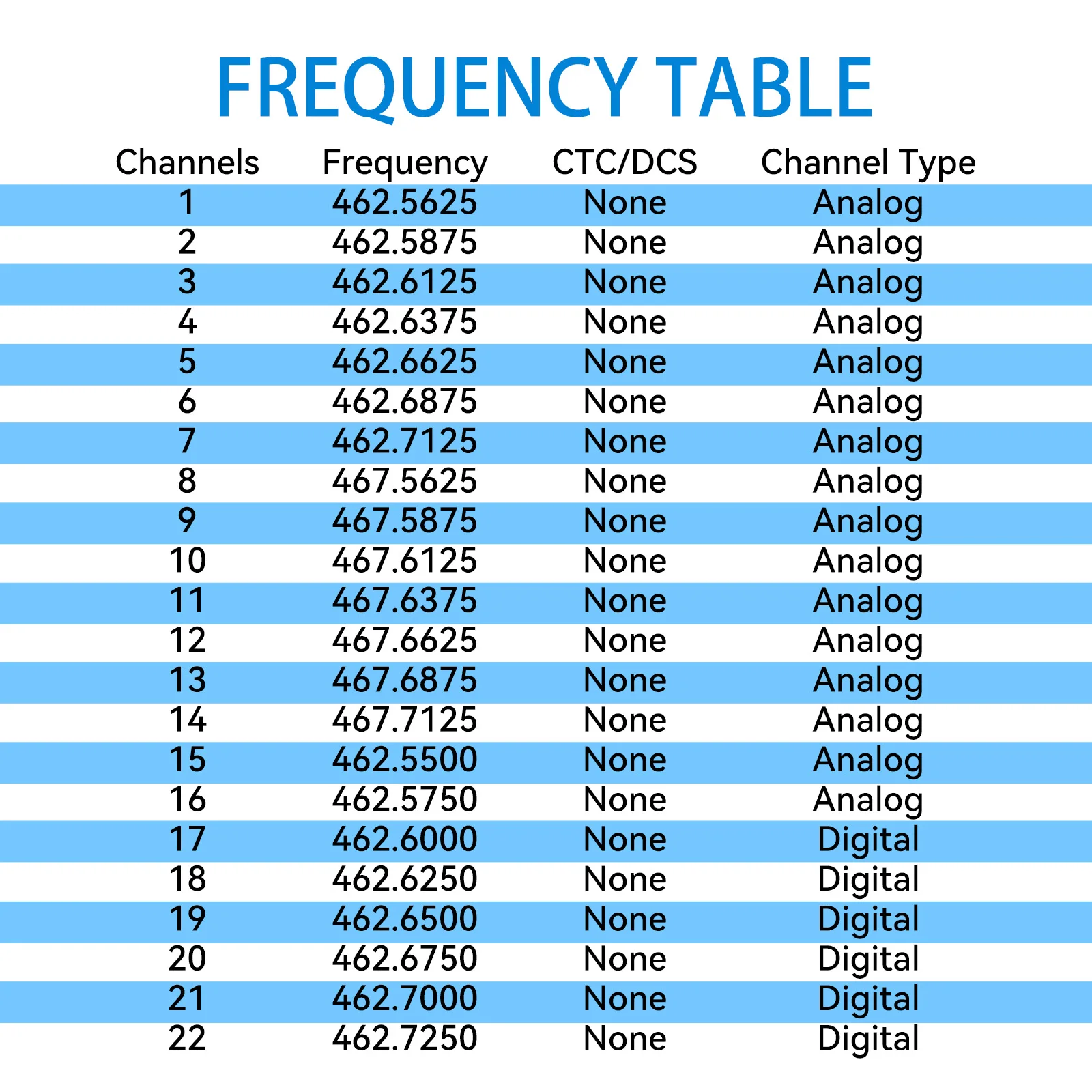
Frequency Range: 400-470Mhz
Output power: 2w/0.5w
Channel: 22 FRS
Voltage 3.7V DC
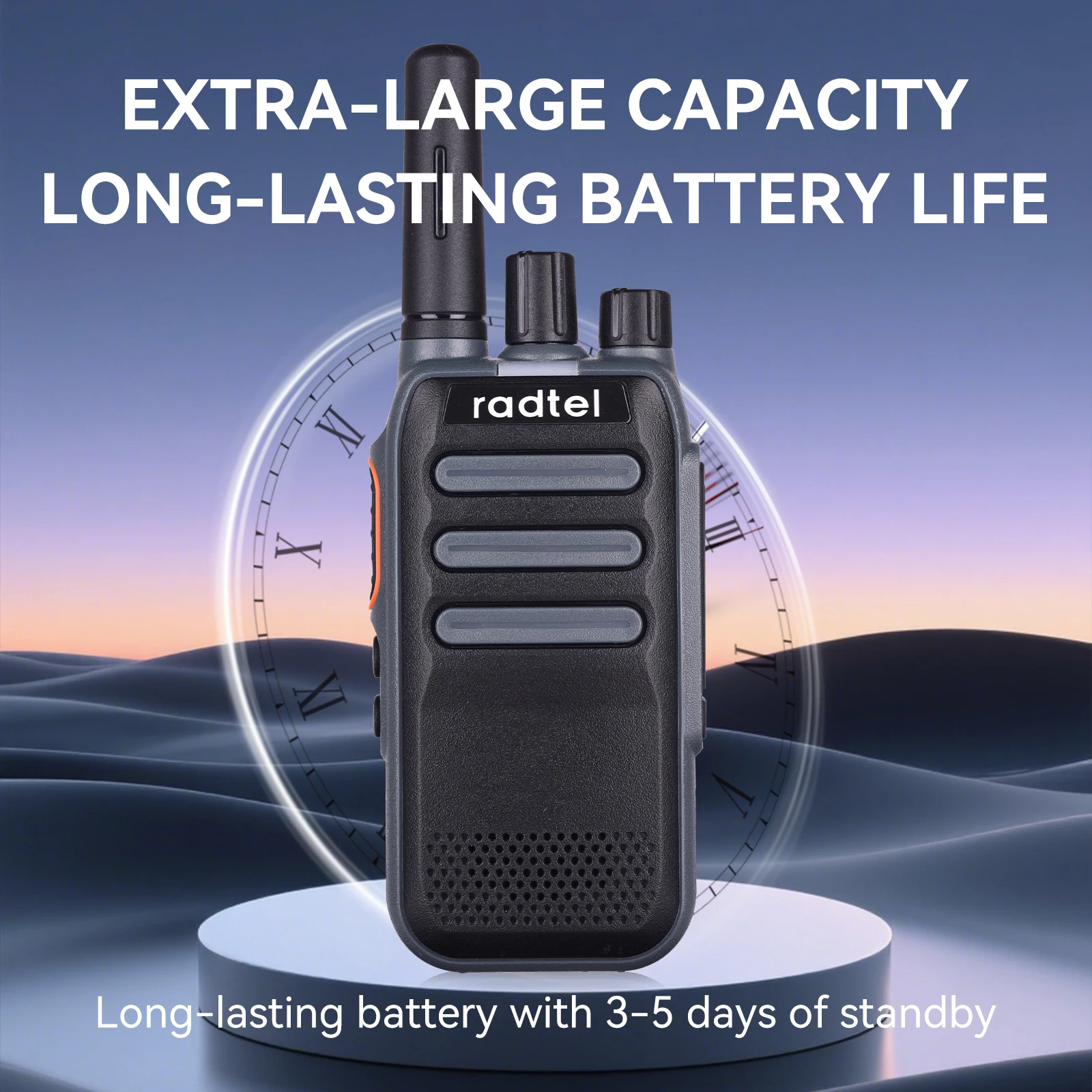
Standby time: More than 30 hrs
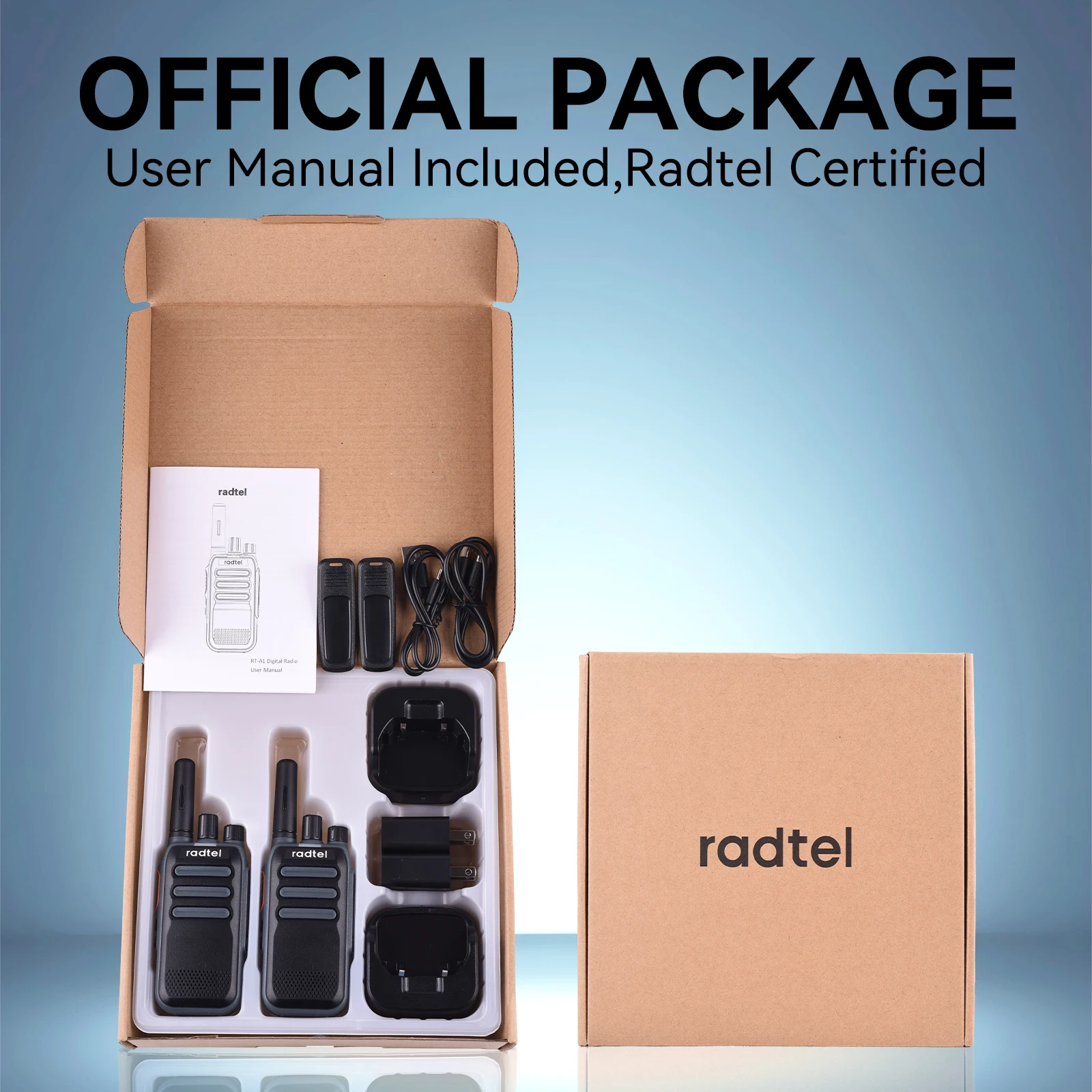
Package:
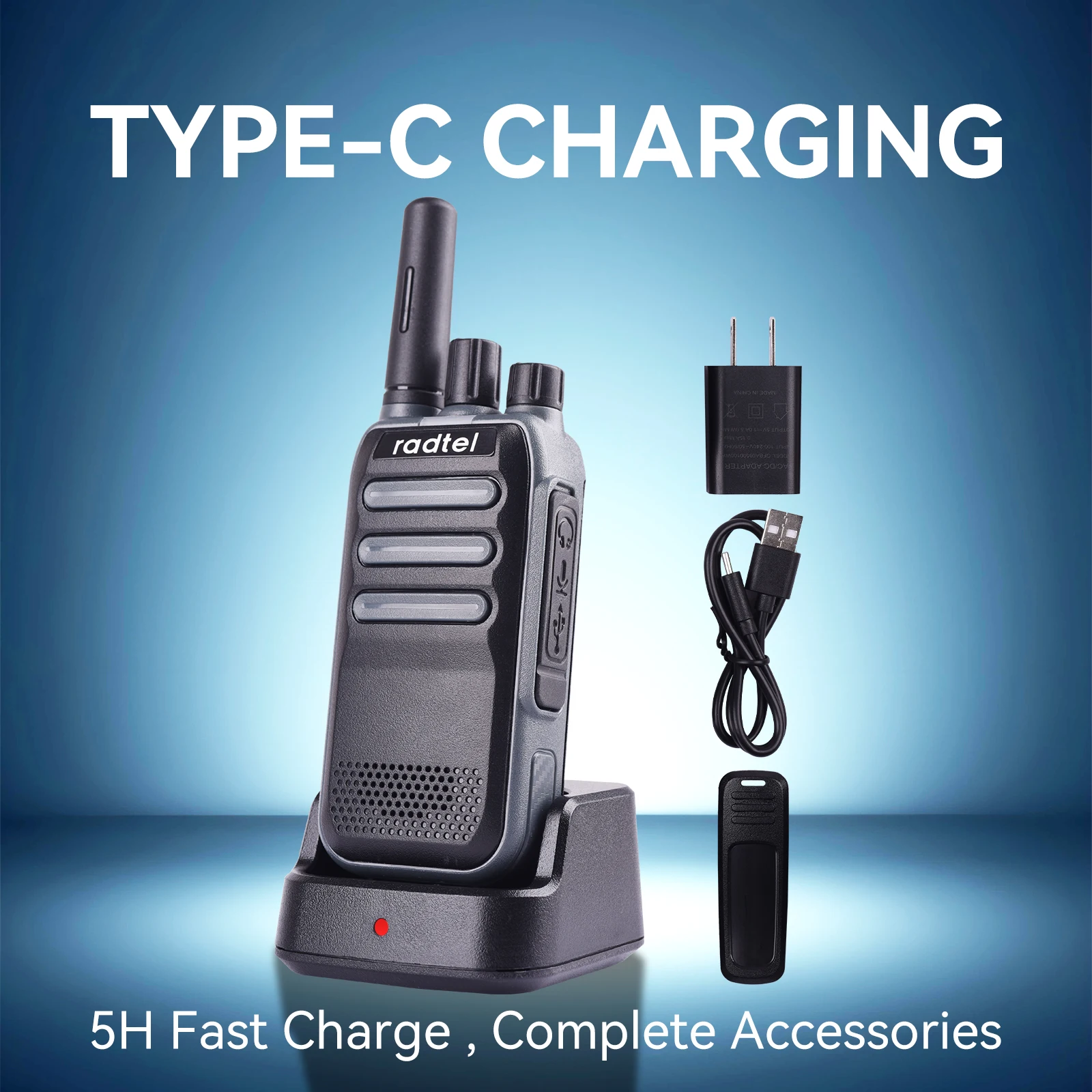
2x RT-A1 FRS radios
2x 3000mAh battery
2x Desktop charger
2x US type AC adapter
2x USB-C Charger cable
2x Belt clip
1x ENG user manual
WYSYŁKA
Wysyłamy zamówienia pocztą z uwzględnieniem podatku VAT, czas dostawy z Chin około 12-25 dni w zależności od kraju. Jeśli mamy zapasy w magazynie zamorskim w Stanach Zjednoczonych, Kanadzie, Rosji, Hiszpanii, Filipinach. Zamówienia wysyłamy z magazynu zamorskiego z szybką dostawą (3-7 dni).
Wszystkie wysyłane zamówienia będą posiadały numery śledzenia. Możesz je śledzić na stronie www.17track.net.
POLITYKA ZWROTÓW
Obowiązuje u nas 30-dniowa polityka zwrotów, co oznacza, że masz 30 dni od otrzymania przedmiotu na złożenie wniosku o zwrot.
Aby móc dokonać zwrotu, przedmiot musi być w takim samym stanie, w jakim go otrzymałeś, nieużywany lub nienoszony, z metkami i w oryginalnym opakowaniu. Będziesz również potrzebować paragonu lub dowodu zakupu.
Aby rozpocząć zwrot, możesz skontaktować się z nami pod adresem kevin@radtel.com.cn. Jeśli Twój zwrot zostanie zaakceptowany, wyślemy Ci etykietę zwrotną, a także instrukcje dotyczące sposobu i miejsca wysłania paczki. Przedmioty odesłane do nas bez wcześniejszego żądania zwrotu nie zostaną zaakceptowane.
W razie pytań dotyczących zwrotów możesz skontaktować się z nami pod adresem kevin@radtel.com.cn.
Uszkodzenia i problemy Prosimy o sprawdzenie zamówienia po jego otrzymaniu i natychmiastowy kontakt z nami, jeśli przedmiot okaże się wadliwy, uszkodzony lub jeśli otrzymają Państwo niewłaściwy przedmiot, abyśmy mogli ocenić problem i rozwiązać go.
Wyjątki / przedmioty nie podlegające zwrotowi Niektóre rodzaje przedmiotów nie podlegają zwrotowi, takie jak towary nietrwałe (takie jak żywność, kwiaty lub rośliny), produkty niestandardowe (takie jak zamówienia specjalne lub przedmioty spersonalizowane) i produkty do pielęgnacji osobistej (takie jak produkty kosmetyczne). Nie przyjmujemy również zwrotów materiałów niebezpiecznych, łatwopalnych cieczy ani gazów. Skontaktuj się z nami, jeśli masz pytania lub wątpliwości dotyczące konkretnego przedmiotu.
Niestety, nie przyjmujemy zwrotów towarów objętych wyprzedażą ani kart podarunkowych.
Giełdy Najszybszym sposobem, aby mieć pewność, że otrzymasz to, czego chcesz, jest zwrot zakupionego przedmiotu i, po zaakceptowaniu zwrotu, dokonanie osobnego zakupu nowego przedmiotu.
Zwroty Powiadomimy Cię, gdy otrzymamy i sprawdzimy Twój zwrot, i damy Ci znać, czy zwrot został zatwierdzony, czy nie. Jeśli zostanie zatwierdzony, otrzymasz automatyczny zwrot na oryginalną metodę płatności. Pamiętaj, że przetworzenie i zaksięgowanie zwrotu może zająć trochę czasu Twojemu bankowi lub firmie obsługującej kartę kredytową.
Opis tego produktu.
- Częstotliwość:
- Moc
- Woltaż:
- Dystans.
- Pojemność baterii:
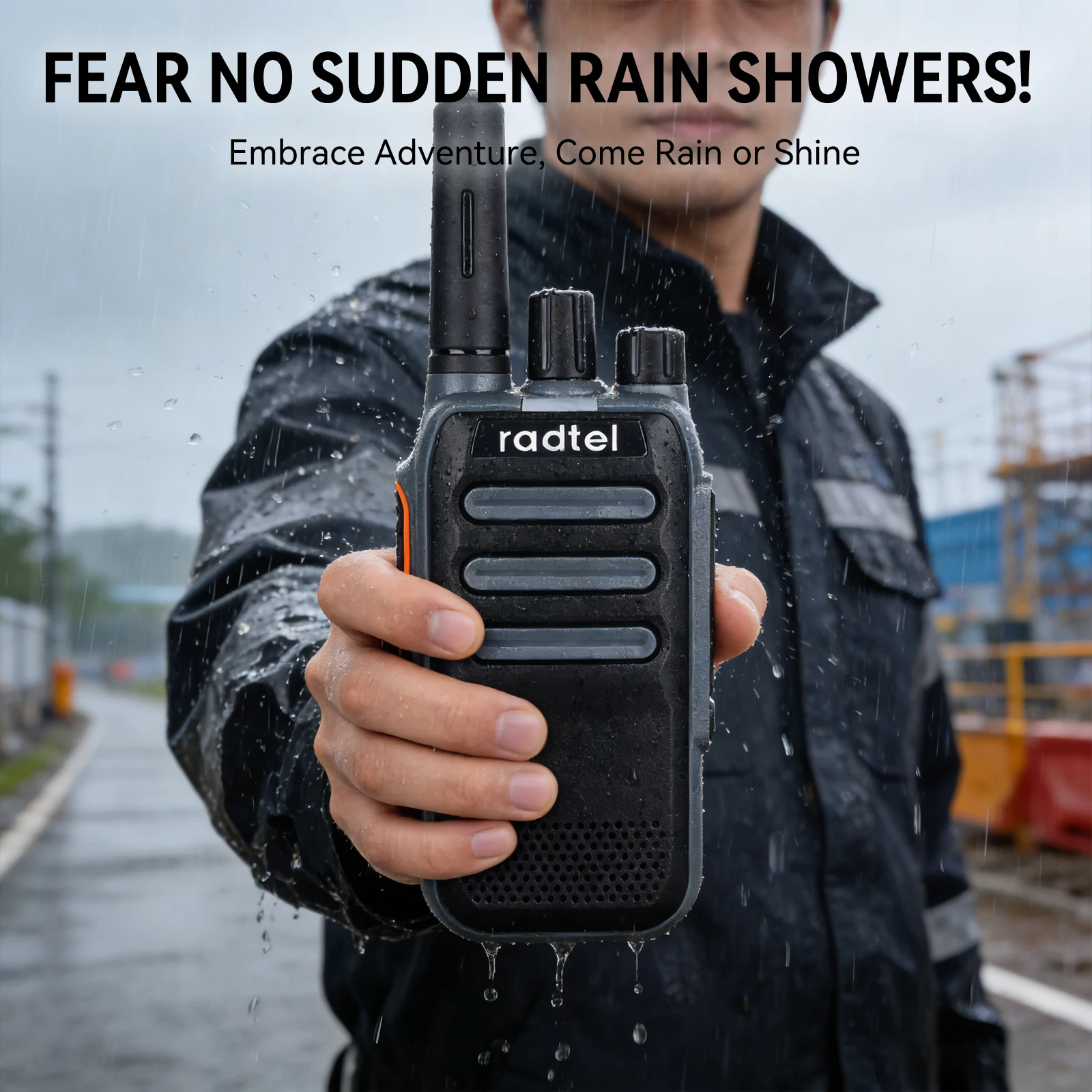
- Wodoodporny.
- Typ:
- Certyfikat